
Let's face it, we all have a lot of passwords and sometimes we forget one. Luckily there is a quick and easy way to get back up and running again.
Request Password Reset
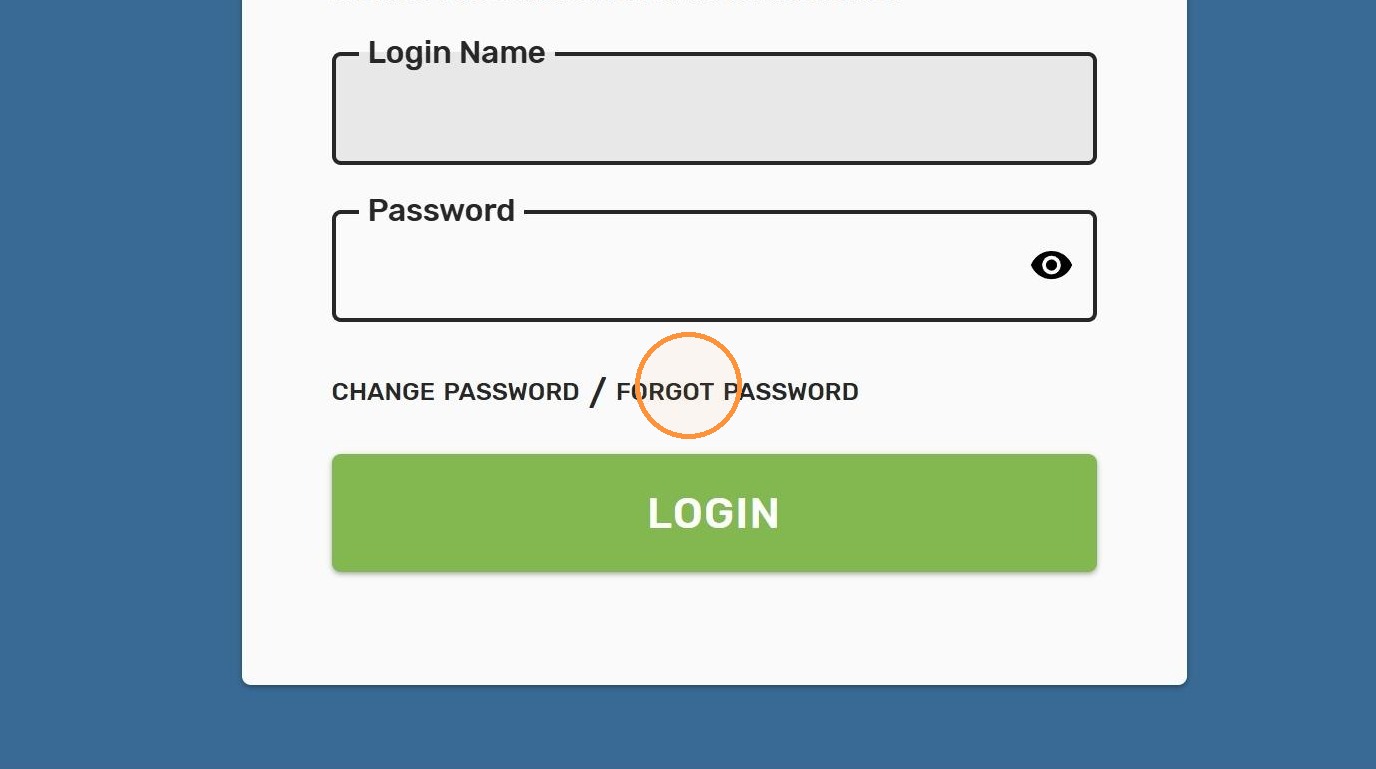
1. Start by clicking "FORGOT PASSWORD"
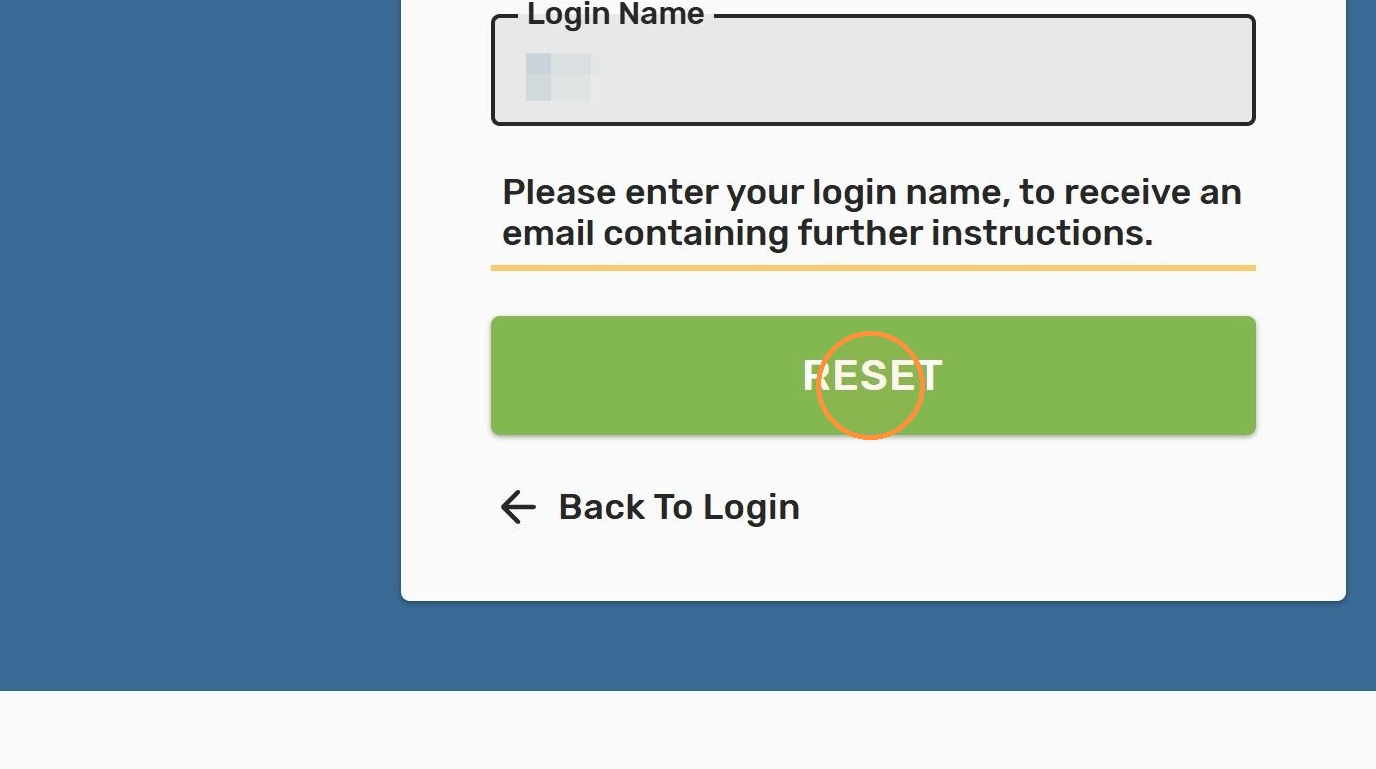
2. Enter your employee ID number as your Login Name and click "RESET"
Check Your Email
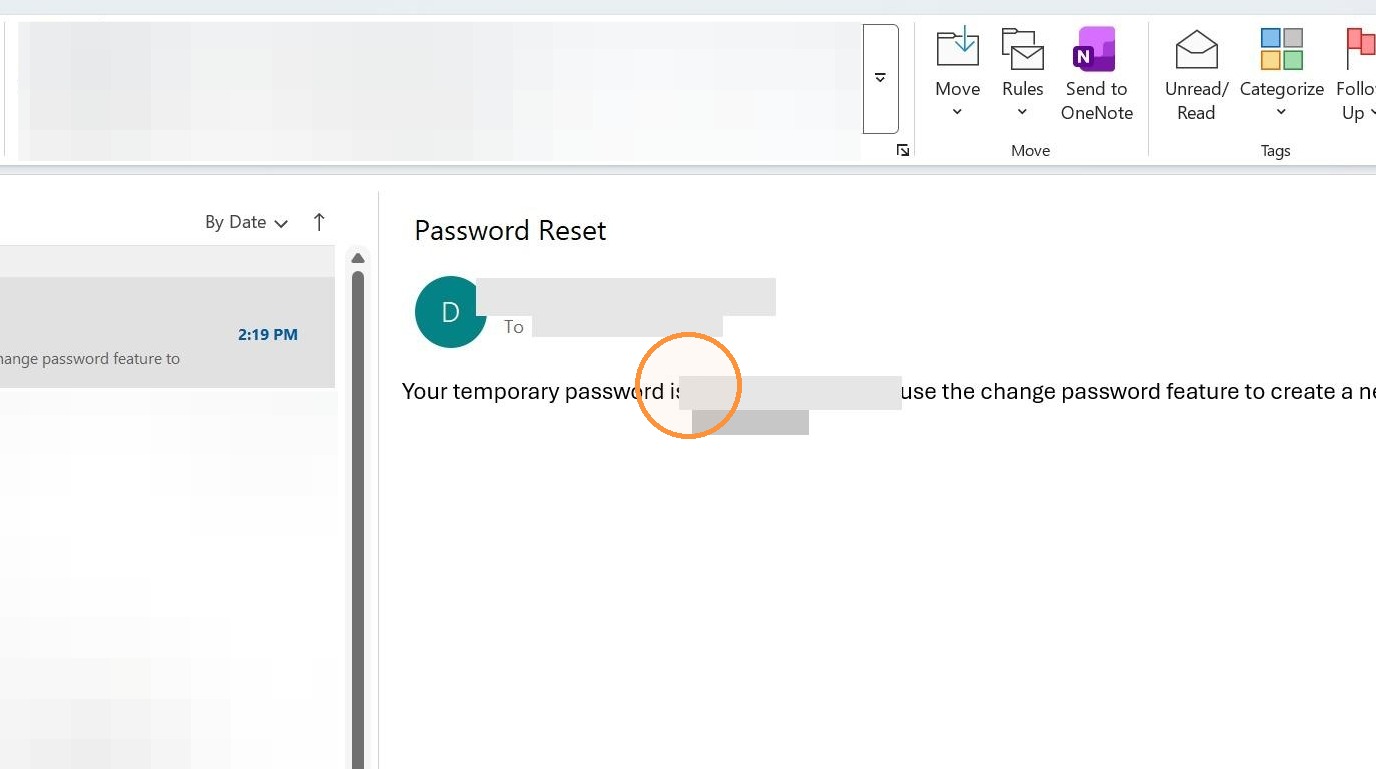
3. You'll receive an email from DoNotReply@ohiodd.net. This is the address that Primary Solutions uses to send email notifications to us. Copy or take note of the temporary password from the email because you'll need this in just a minute
Update Account Password
4. Go back to Advisor Anywhere and click "CHANGE PASSWORD"
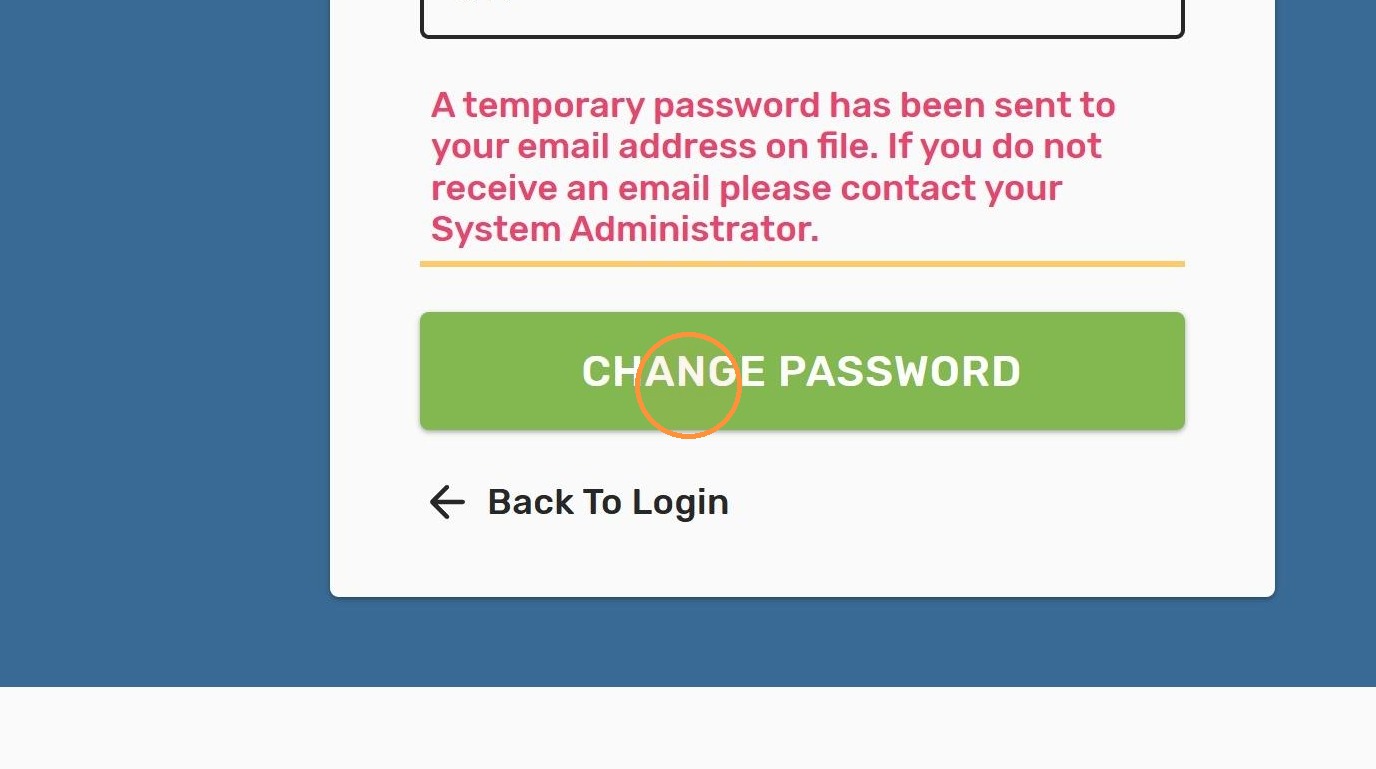
5. The system will tell you that this temporary password has expired and that you'll need to set up a new one. Start by entering your employee number for your Login Name
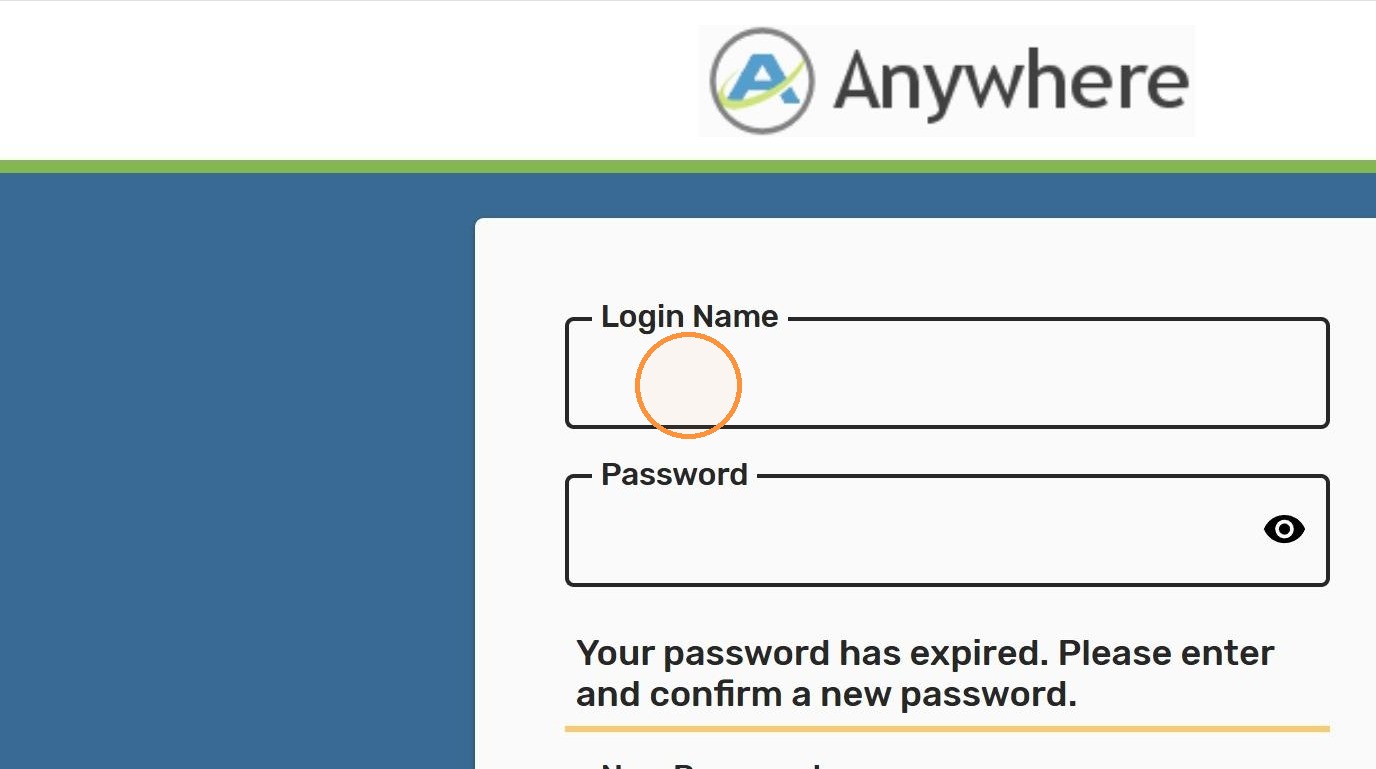
6. Enter the temporary password received via email into the Password field
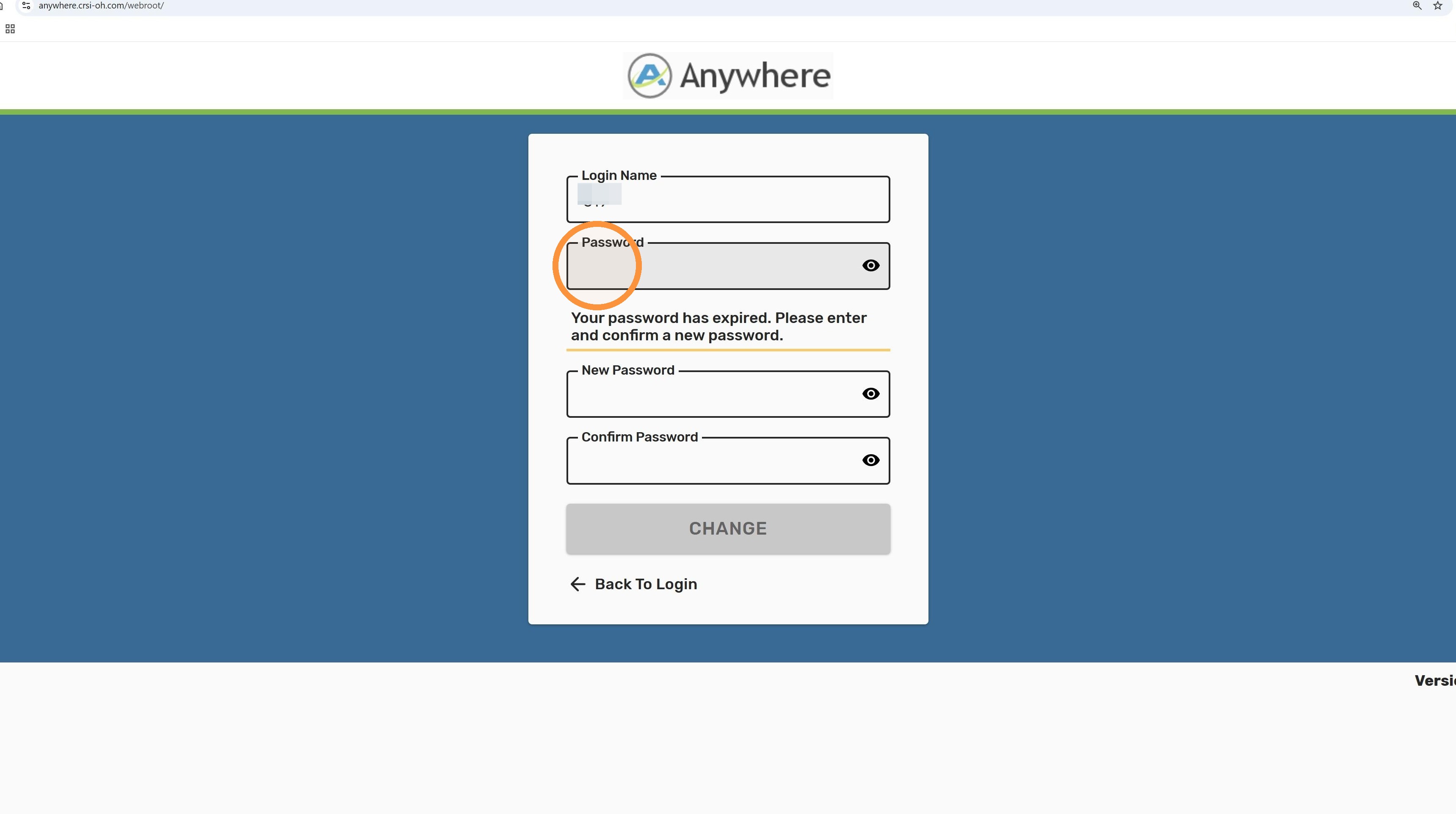
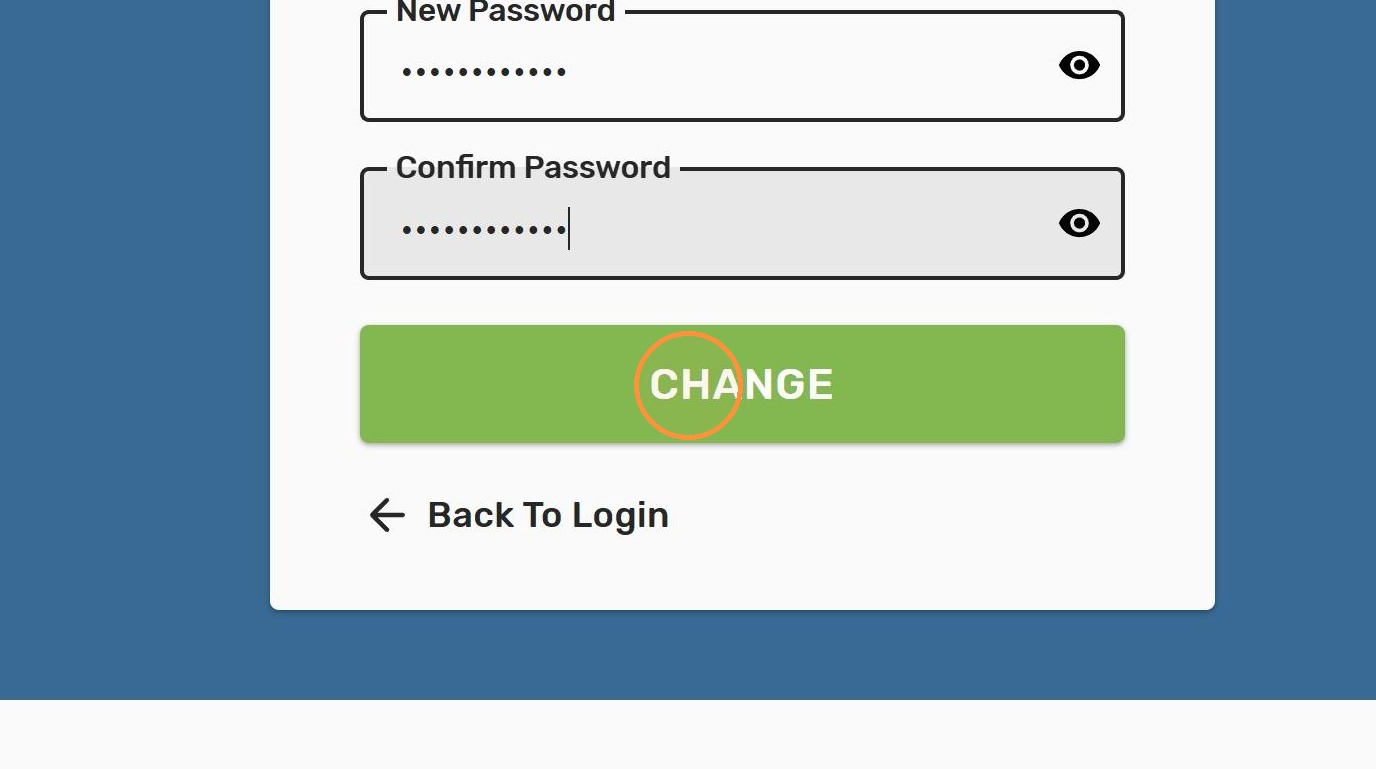
7. Now it's time to pick a new password that you can easily remember. Enter this new password into the "New Password" field
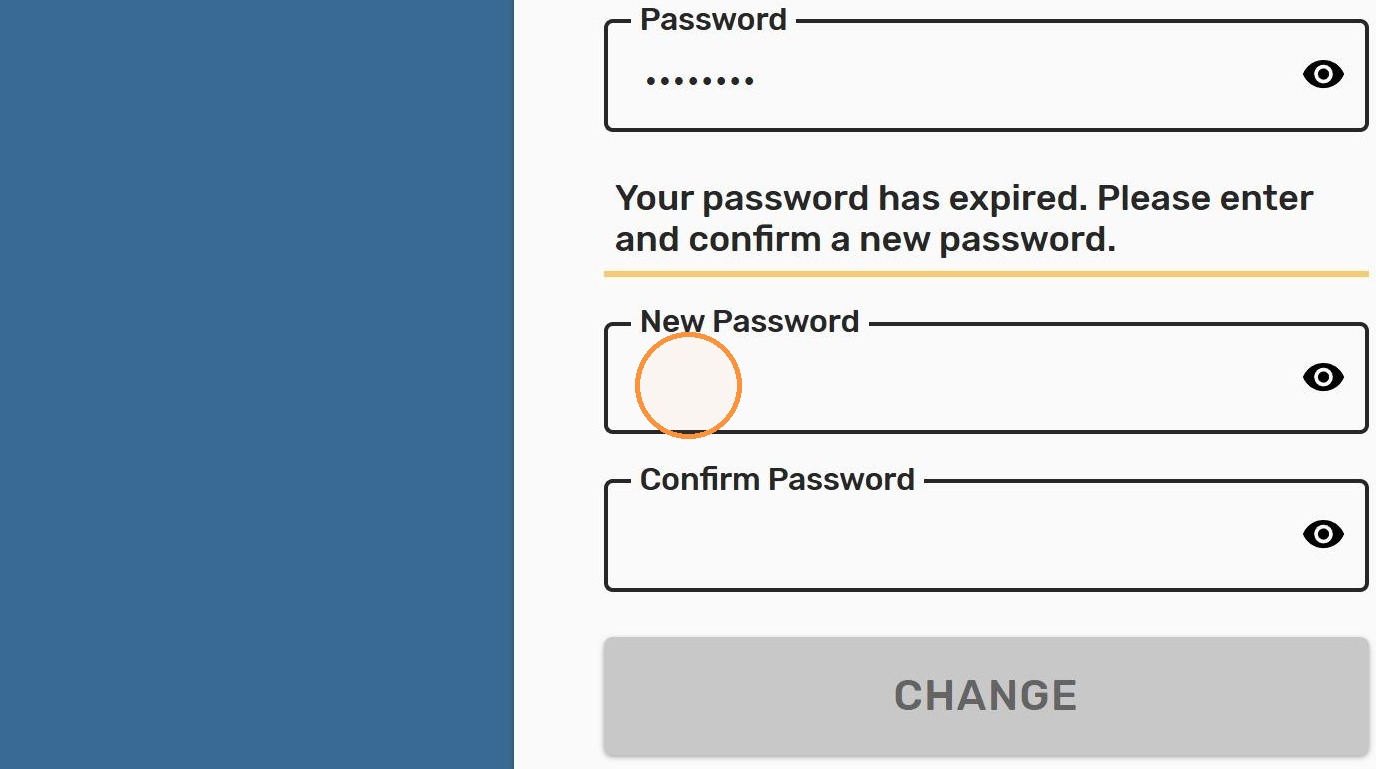
8. Enter the new password again into the "Confirm Password" field
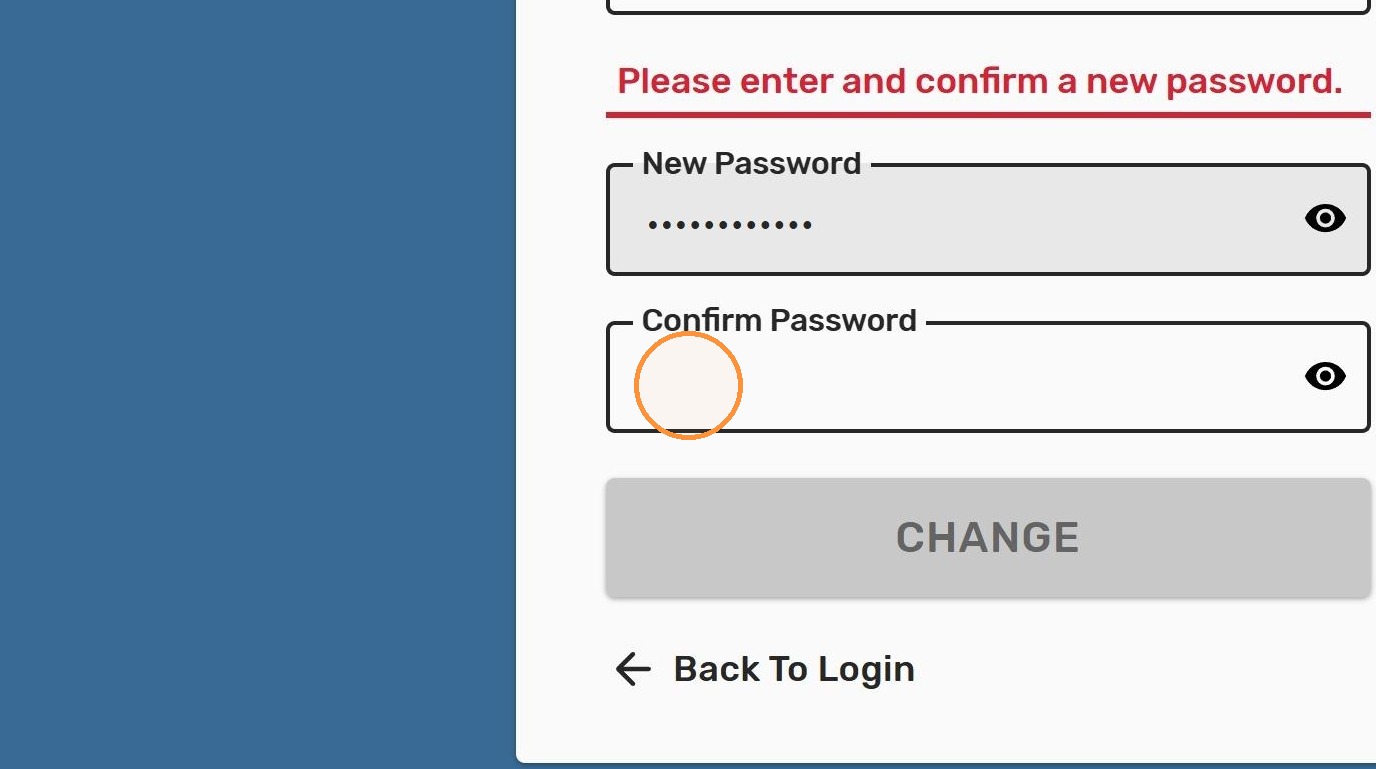
9. Click "CHANGE"
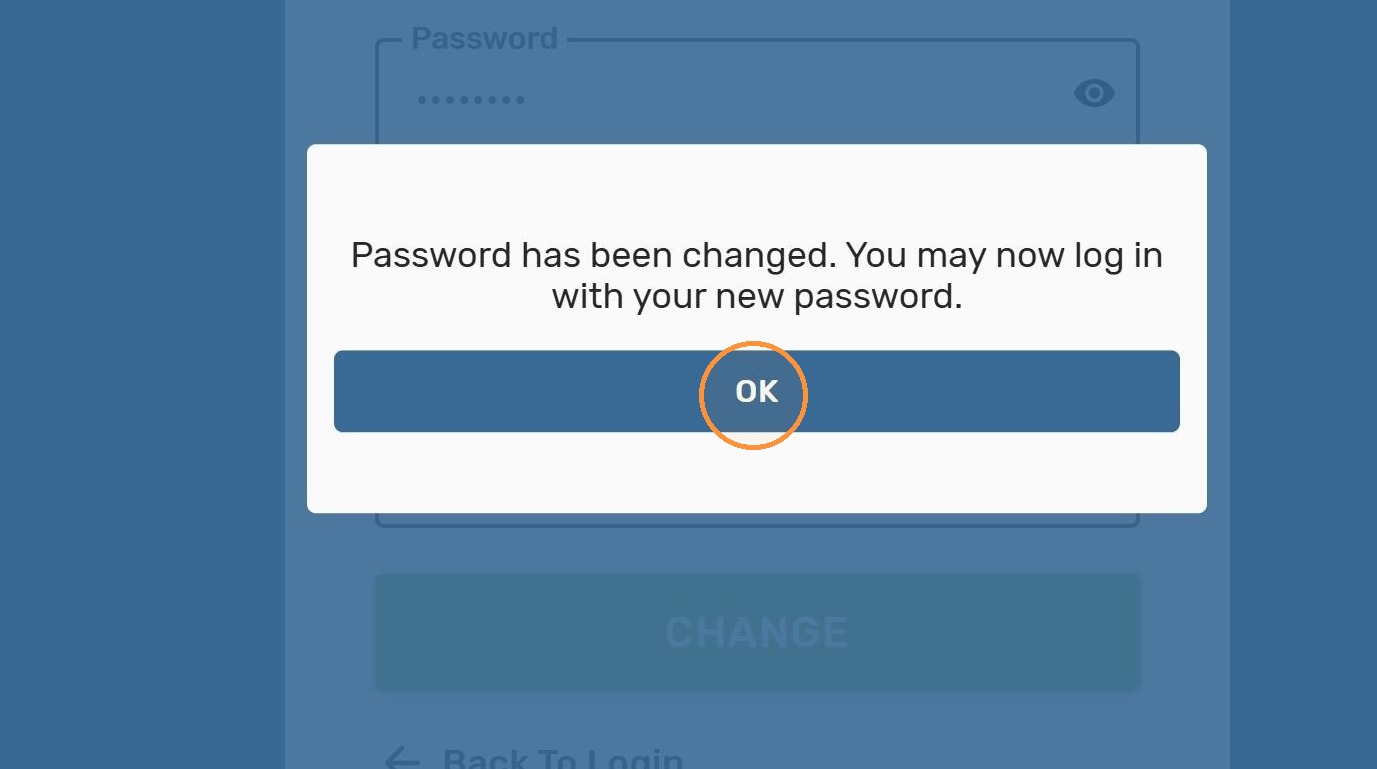
10. Click "OK" to confirm the password change
New Password Login
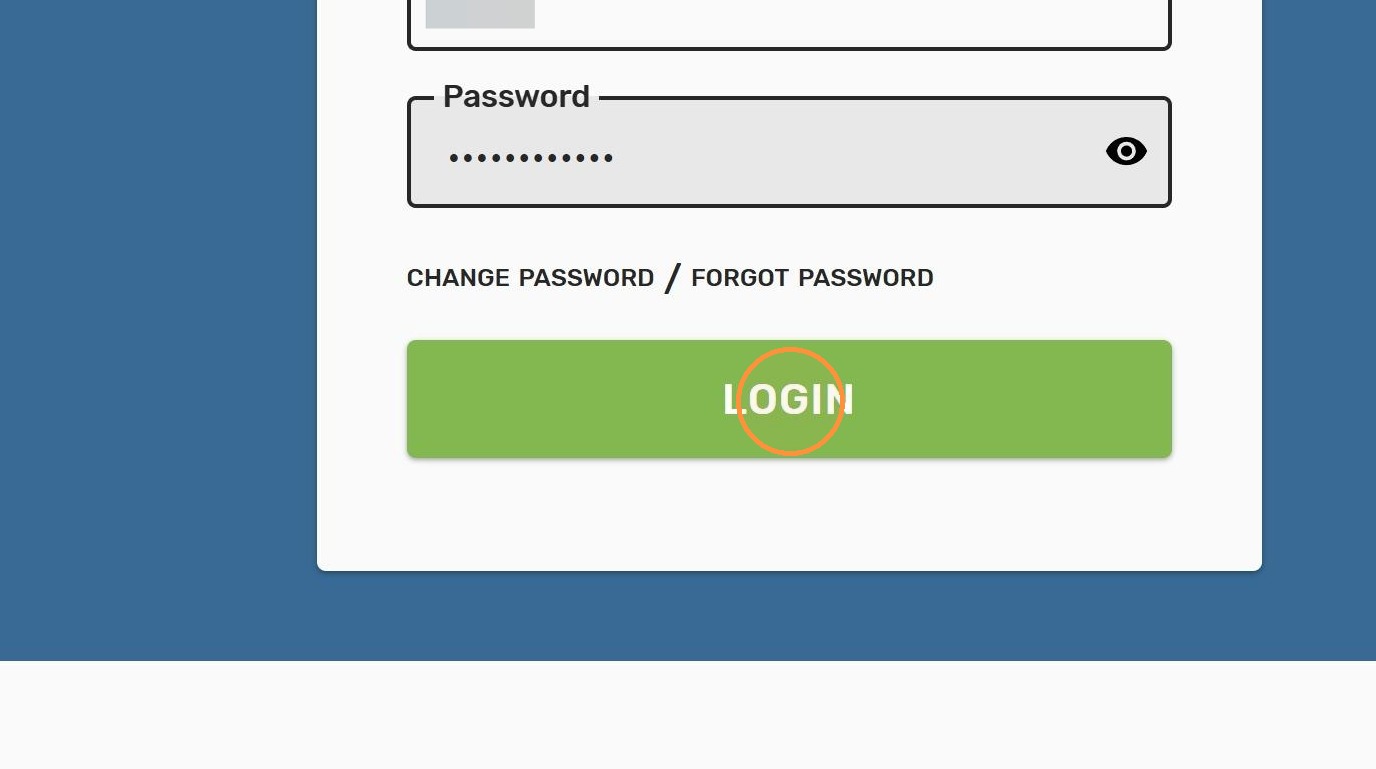
11. Now that everything has been updated, you'll be able to log in with your new password. Enter your login information and click "LOGIN"
Need more help? Submit a Request and someone will reach out to assist.